1
Open Register Your Family
Go to pathfinderoutdoor.org and select the large green Register Your Family button.

Start here
This visual guide walks through family account and household setup. Follow the four setup pictures, then review the six family menu buttons.
Watch the full walkthrough
Pause whenever you need more time.
Parents and guardians choose Adult registration.
Choose Adult + household. Do not make duplicates.
Use Add youth or My Family. A youth login is usually unnecessary.
New family setup
Use the preferred registration route shown below. The alternate Sign Up page works differently and is only covered in troubleshooting.
Go to pathfinderoutdoor.org and select the large green Register Your Family button.
A parent or guardian starts the family account. Do not choose Youth joins household for normal family setup.
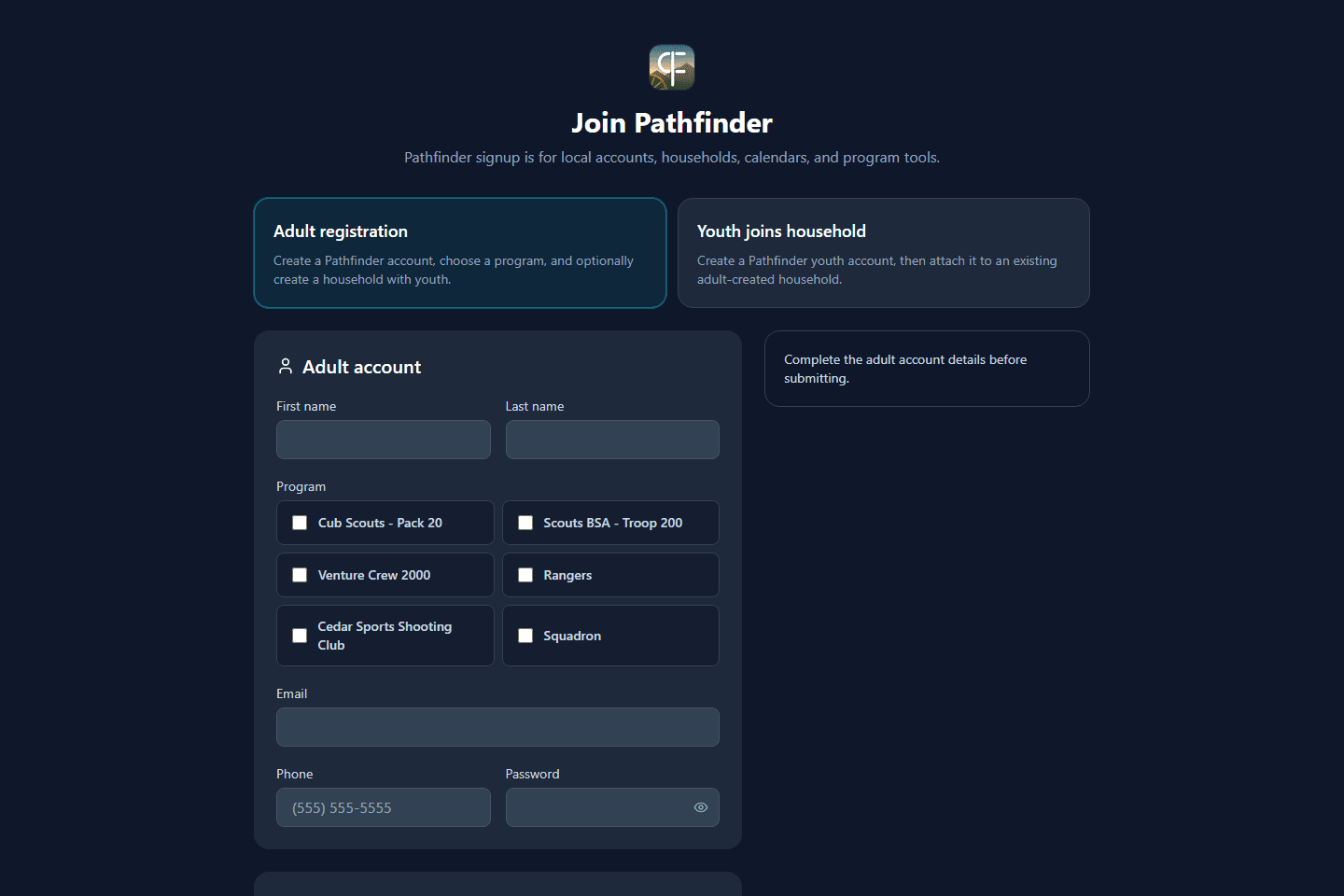
This choice creates the family household. The page starts on Adult only, so make sure you click Adult + household.
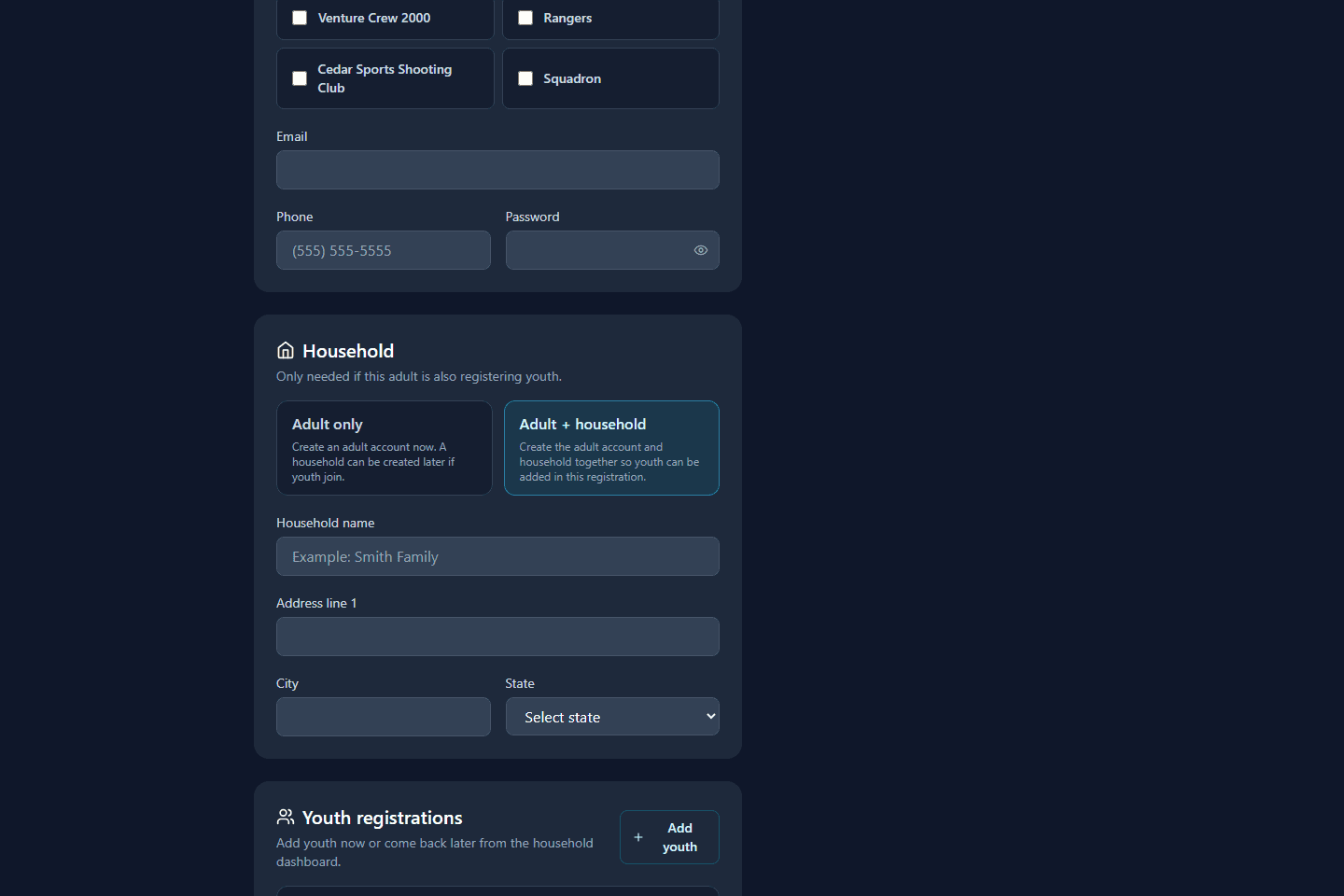
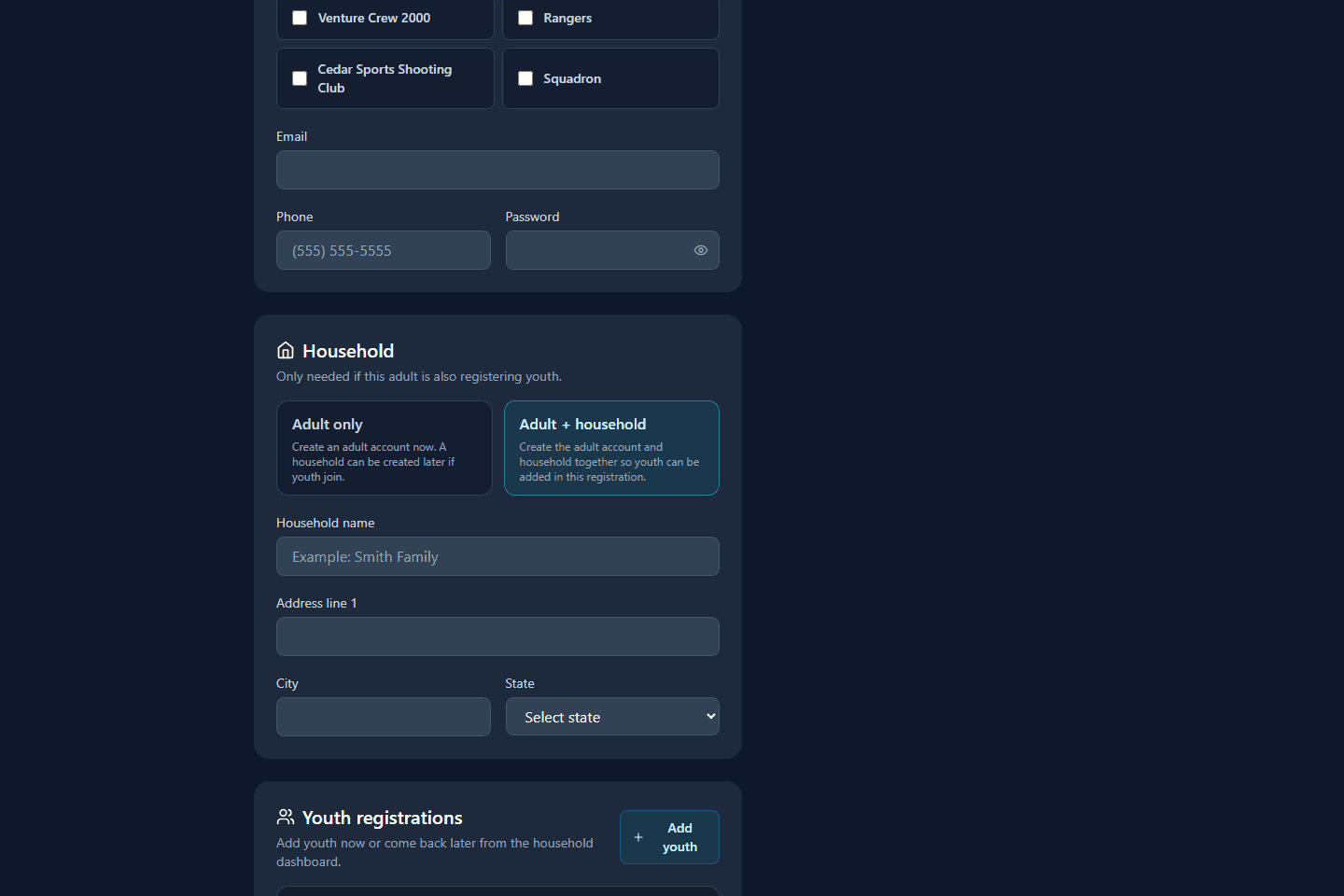
Select Add youth, enter the child information, choose their program, and complete any Scouting America notice shown.
The preferred adult registration normally signs you in automatically. If you added children, Pathfinder may ask about physicals. You can finish them now or continue and return later from Forms & Waivers.
After sign-in
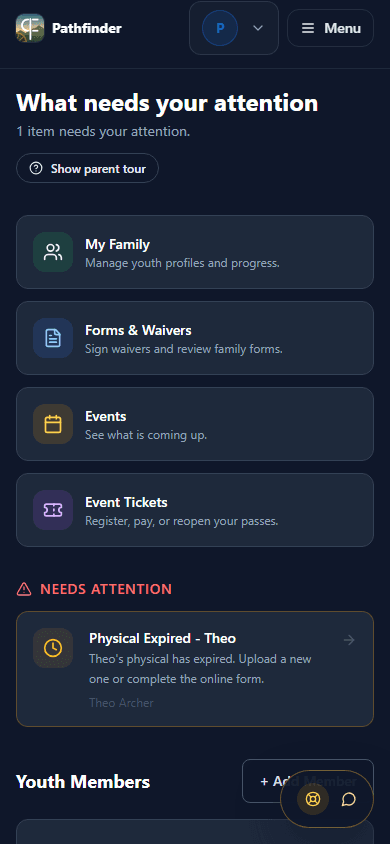
Ignore leader and admin tools. Families mainly use these six places.
Page heading: What needs your attention
Start here when you do not know what to do. Pathfinder lists missing forms, expired physicals, and event actions.
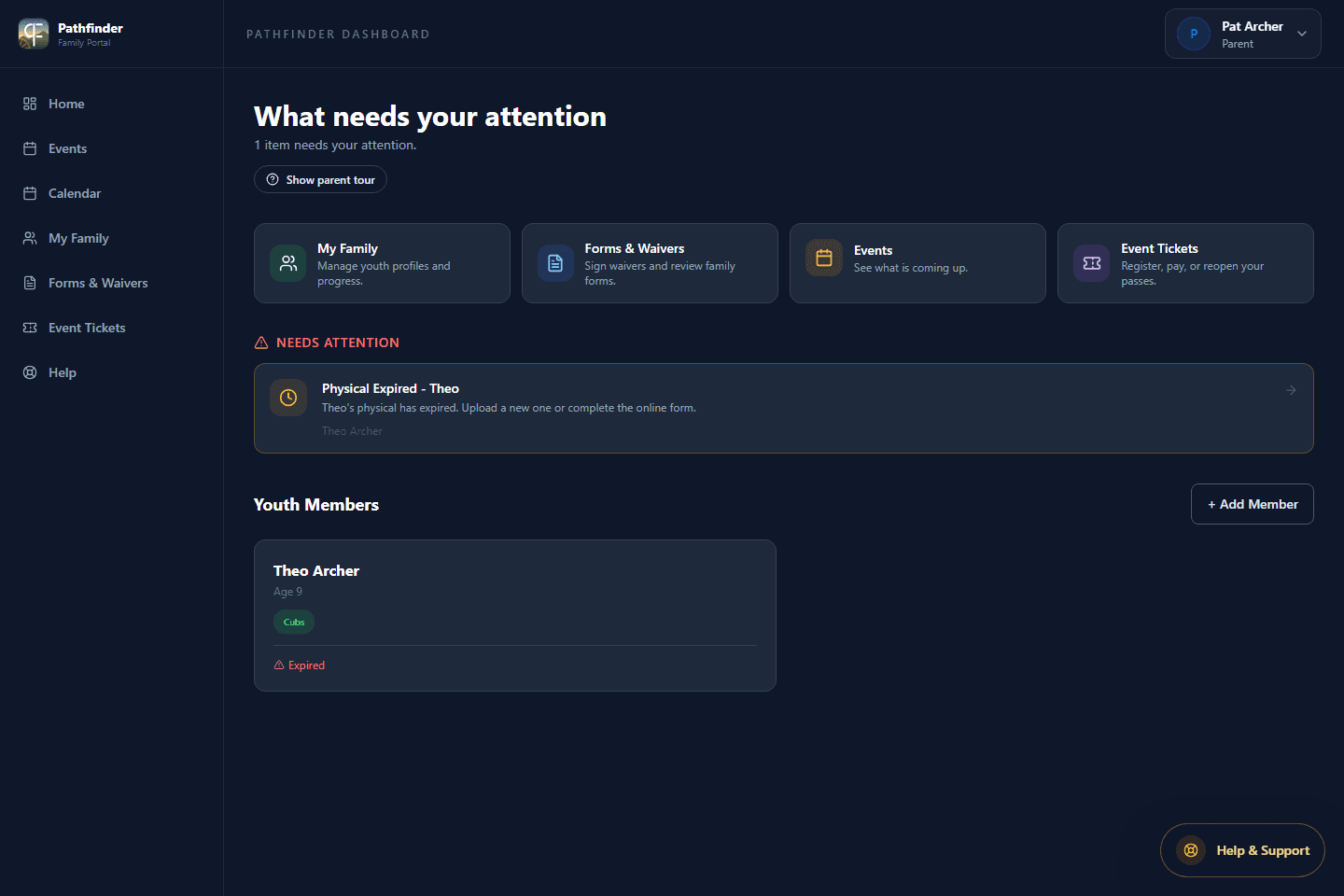
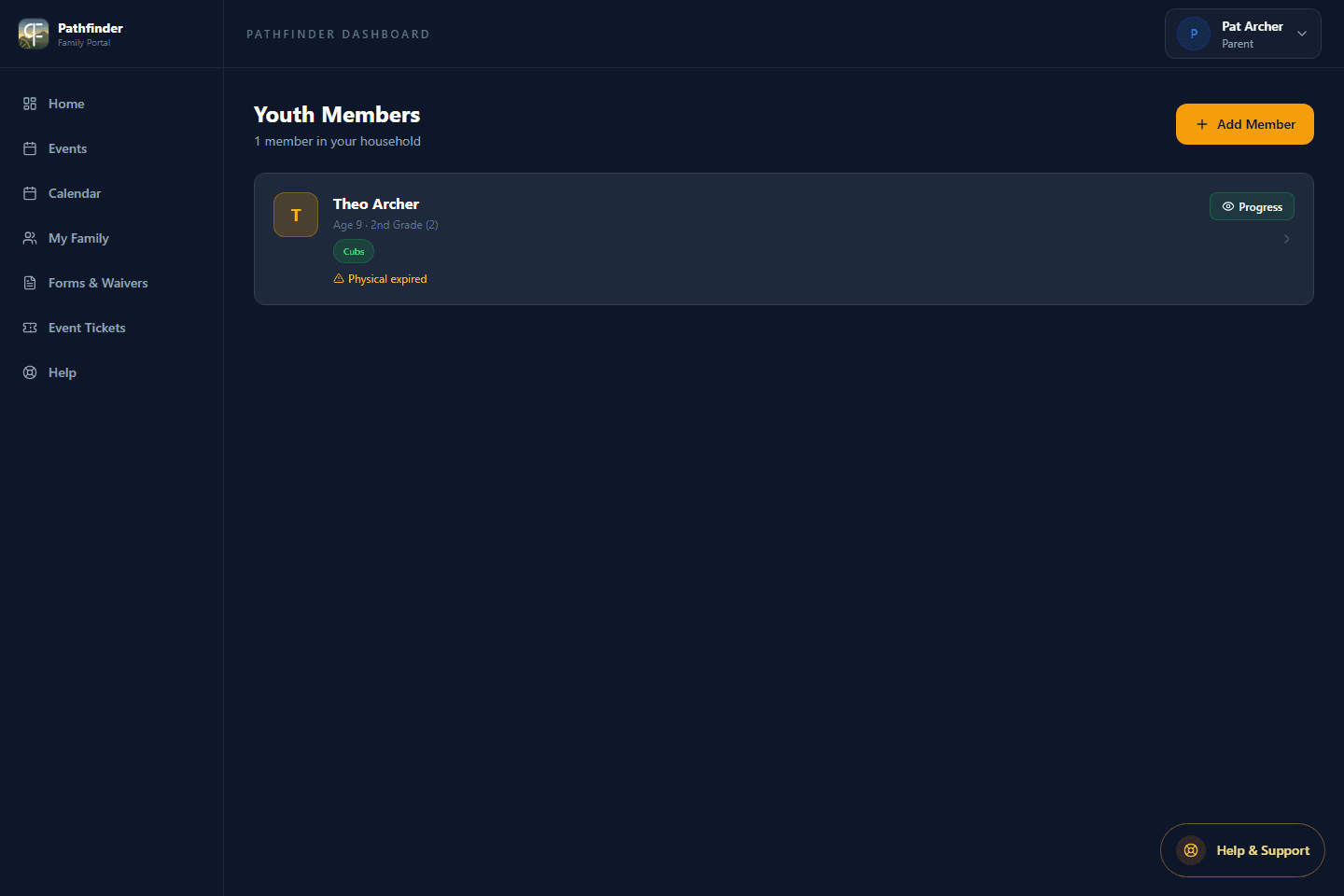
Page heading: Youth Members
Open a child, update details, check program enrollment, or select Add Member to add another child.
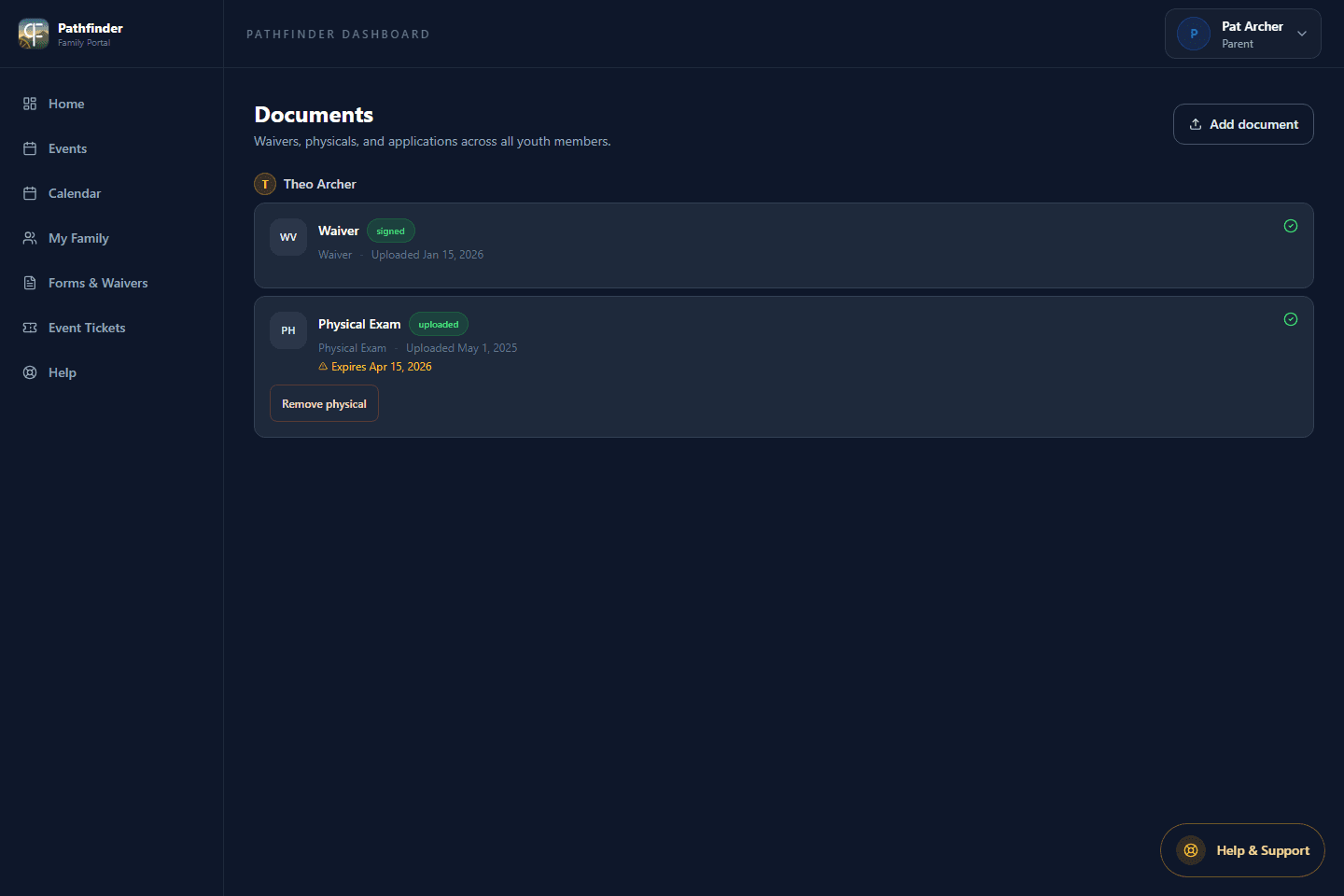
Page heading: Documents
Sign waivers and manage physicals. The menu name and page heading are different, but they lead to the same paperwork center.
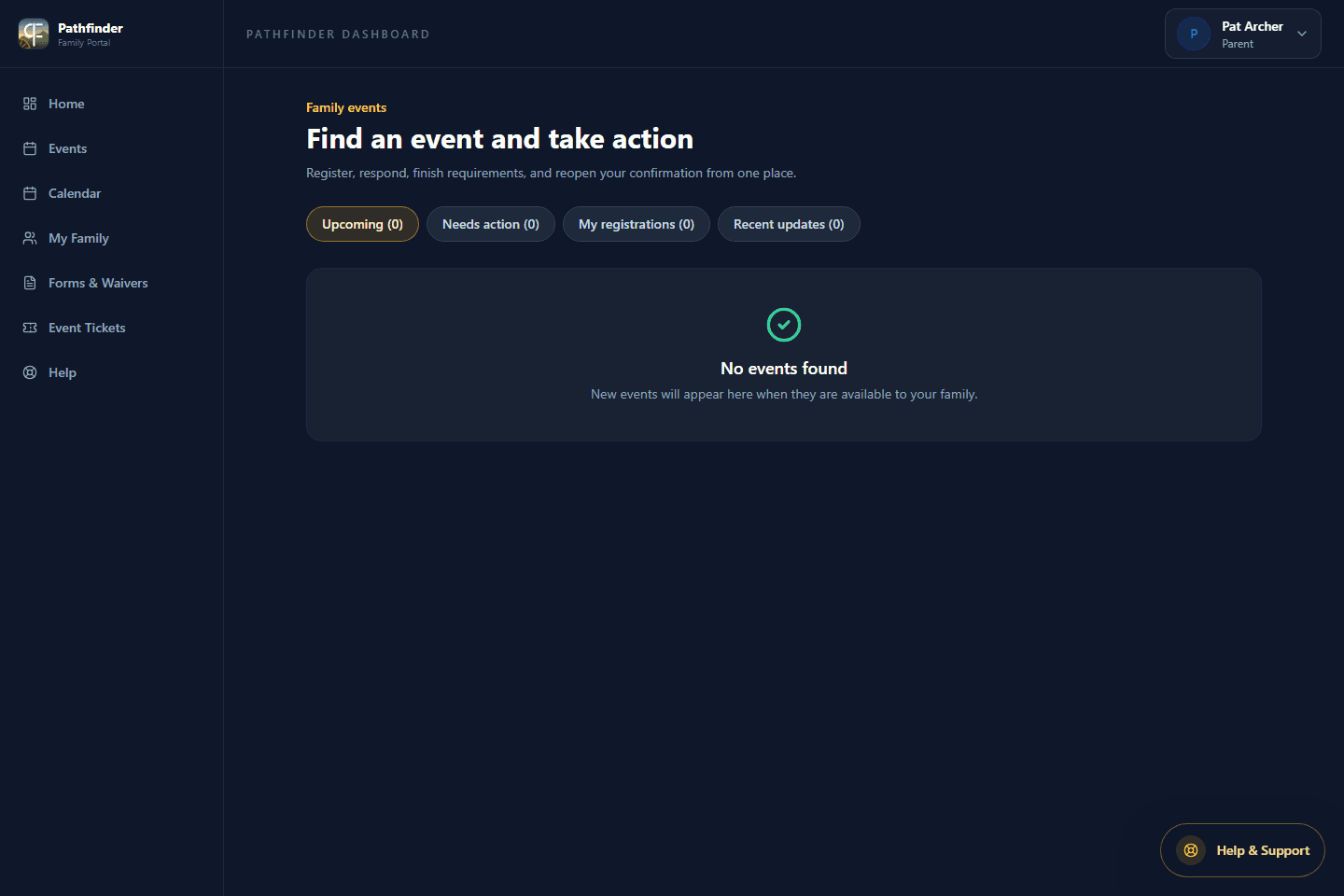
Upcoming family activities
Respond, register, complete event requirements, and reopen an event confirmation.
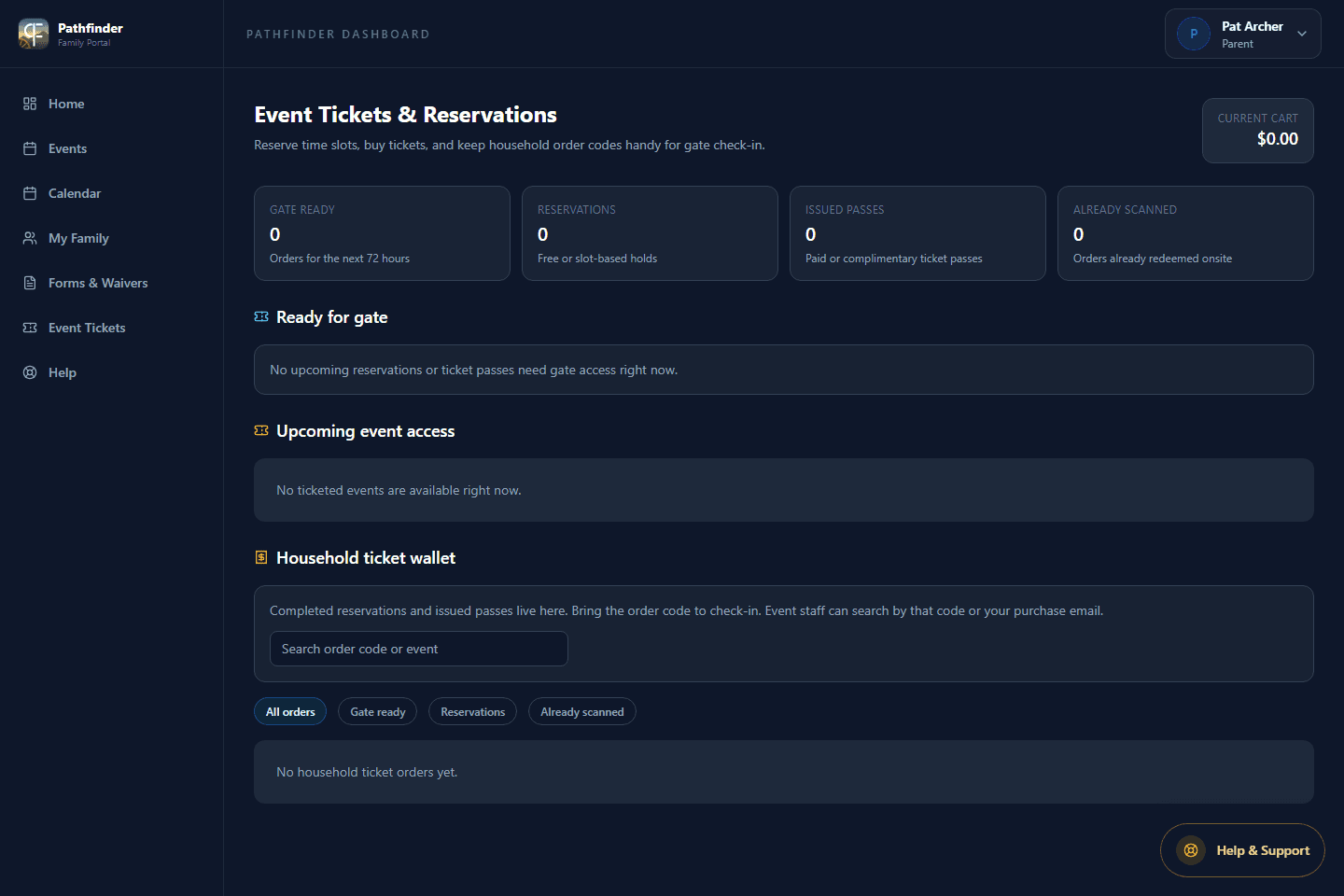
Page heading: Event Tickets & Reservations
Open household passes and QR codes after a reservation or purchase. Events is where you act; Tickets is where the pass lives.
Guides and question search
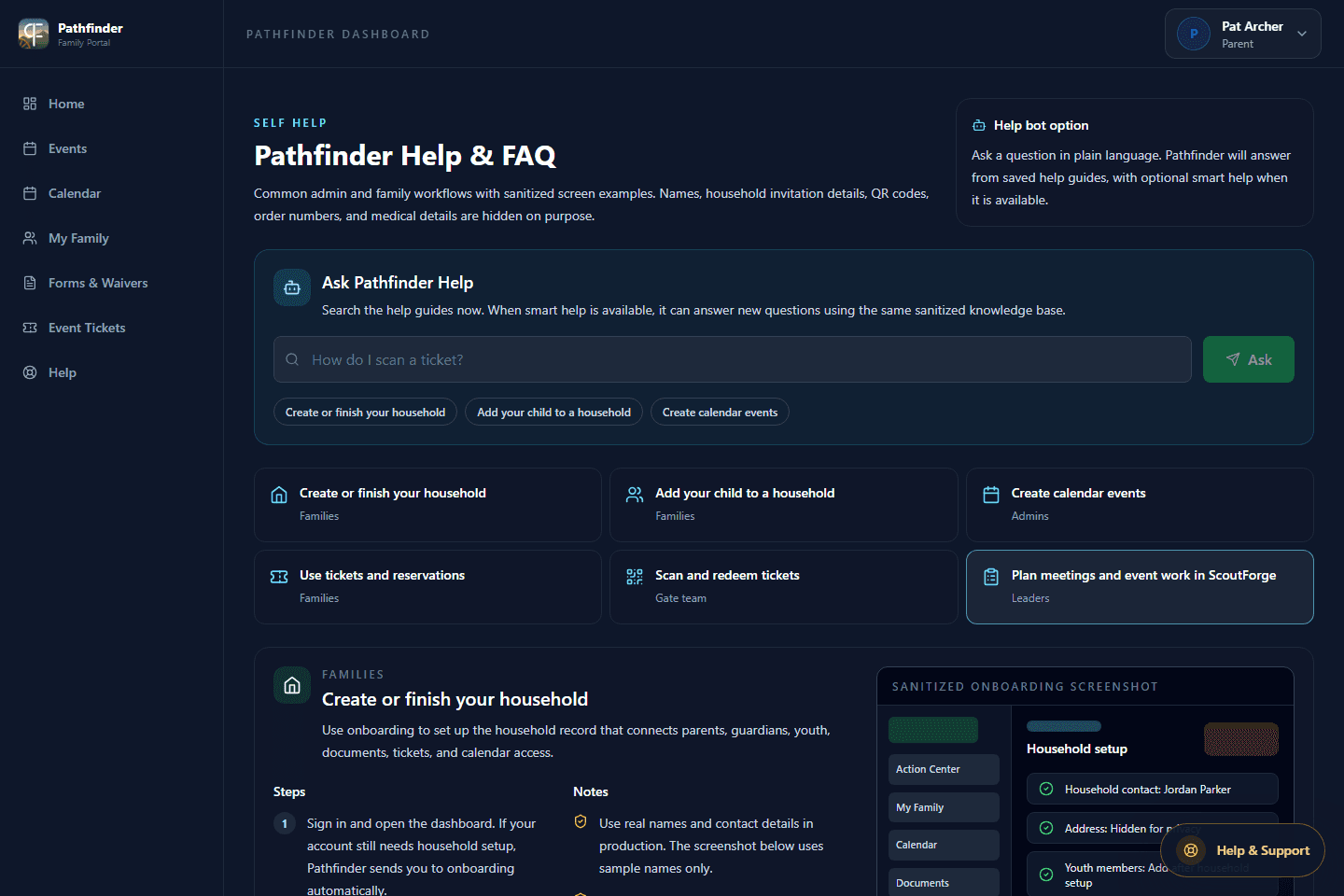
Search the saved guides when you forget a step. If Help does not answer the question, contact your unit leader.
If you used the alternate Sign Up page or created a Youth account, confirm the email first. Otherwise try Use magic link or Forgot password on the sign-in page.
Create your own Adult account. The first adult saves an invite under Profile > Adults, then tells you to sign in with that exact email. Do not create a second household.
Usually no. Add the child under My Family. A separate Youth account is optional and should only be used when a leader specifically asks for one.
Not automatically. Pathfinder is the local family portal. Cub Scouts, Scouts BSA, and Venture families must also complete the official Scouting America application and payment.
Still stuck?
Sign in and open Help, or contact your unit leader.